Headset Holodeck is my attempt to build a real-world XR system in conversation with one of science fiction’s most durable ideas: the Star Trek holodeck. Official franchise material traces an early version of the concept back to Star Trek: The Animated Series as a “recreation room,” then points to The Next Generation as the place where the holodeck became a signature part of the Star Trek universe. Paramount’s own corporate site says CBS Studios produces “global franchises like the Star Trek universe,” so I’m comfortable saying plainly that the idea and the term belong to that franchise lineage, and that this project is openly inspired by it. (Star Trek)
What I have wanted for years is not a loose collection of XR features, but a system that feels like entering a medium. Put on the headset, speak naturally, ask for a world, step into it, reshape it, save it, return later, and continue where you left off. The design work already ties together speech-intent routing, panoramic previewing, splat loading, floor-aware placement, object manipulation, multiple view modes, and persistent world configuration so the experience can behave as one continuous thing instead of a pile of isolated tricks.
It is voice-first, but not voice-only. Standard UI still matters. Sometimes the right input is a keyboard during development, sometimes it is a controller in-headset, and sometimes it is hands. Voice should feel like the front door, not the only door. Right now, push-to-talk is a temporary placeholder while I work toward the version I actually want: wake-word activation. You say “Computer,” the system knows you are addressing it, and then it listens. That obviously echoes one of Star Trek’s most familiar interaction patterns, especially the ship’s computer voice associated for decades with Majel Barrett-Roddenberry. (Star Trek). I have not cloned her voice, I chose a pretty minimal model, but one could do that, I suppose.
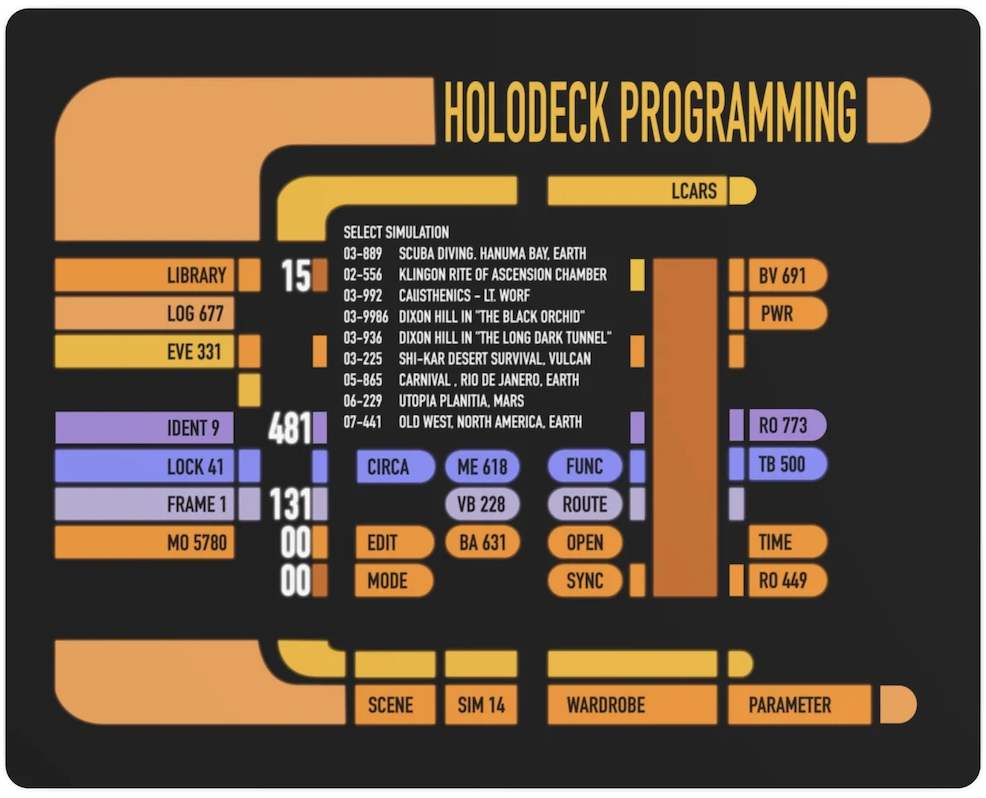
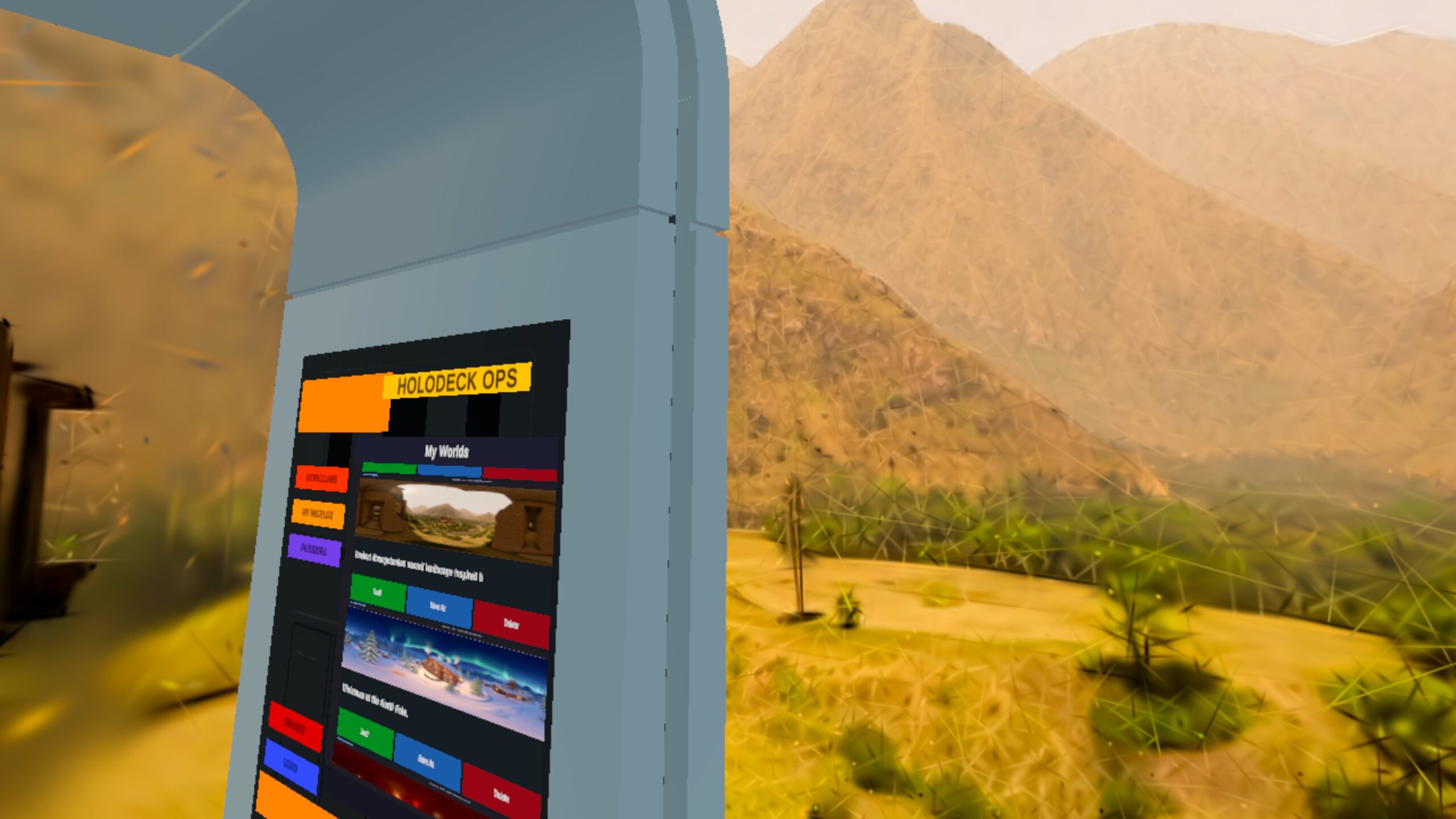
I want the system’s responses to feel equally natural. Text-to-speech is handled on-device, which saves both time and money, and spoken feedback is paired with visible text status so the app stays legible even when the user is busy or half-focused on something else in the scene. In Star Trek, the computer’s replies are simply part of the environment; they do not feel bolted on. That is the effect I’m after here, just built with present-day constraints instead of fictional ones. (Star Trek)
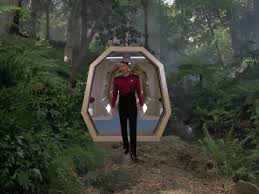
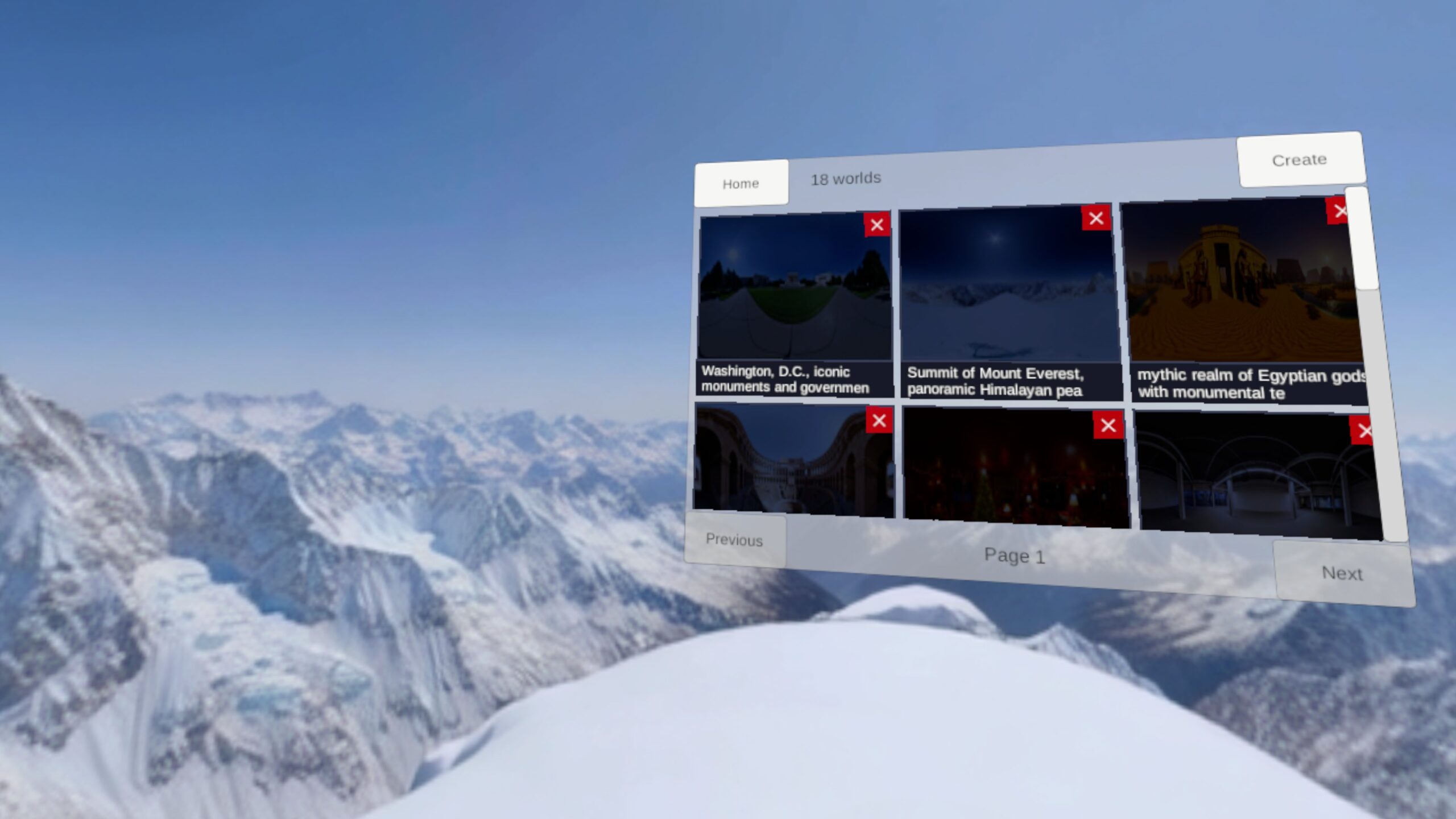
One of the nicest parallels to Trek is the transition from request to environment. The franchise often treated the holodeck as a place that seemed to be there the moment the crew stepped through the door: Riker entering a forest in “Encounter at Farpoint,” Sherlock Holmes environments materializing for Data and Geordi, or the baseball field in Deep Space Nine’s “Take Me Out to the Holosuite.” A real headset app has to earn that feeling honestly, so Headset Holodeck uses panoramic previewing while the heavier splat data catches up. The user sees the destination arrive around them instead of staring at dead air. (Star Trek)
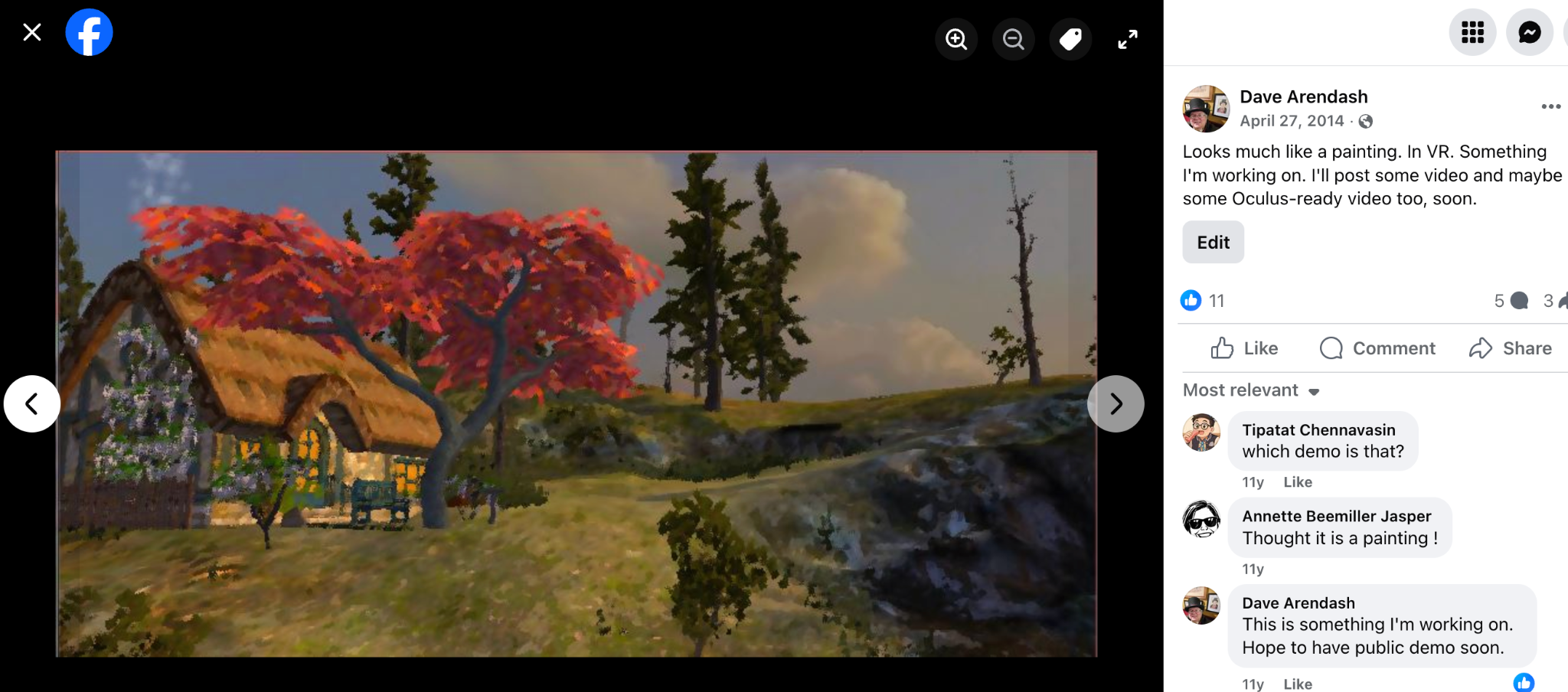
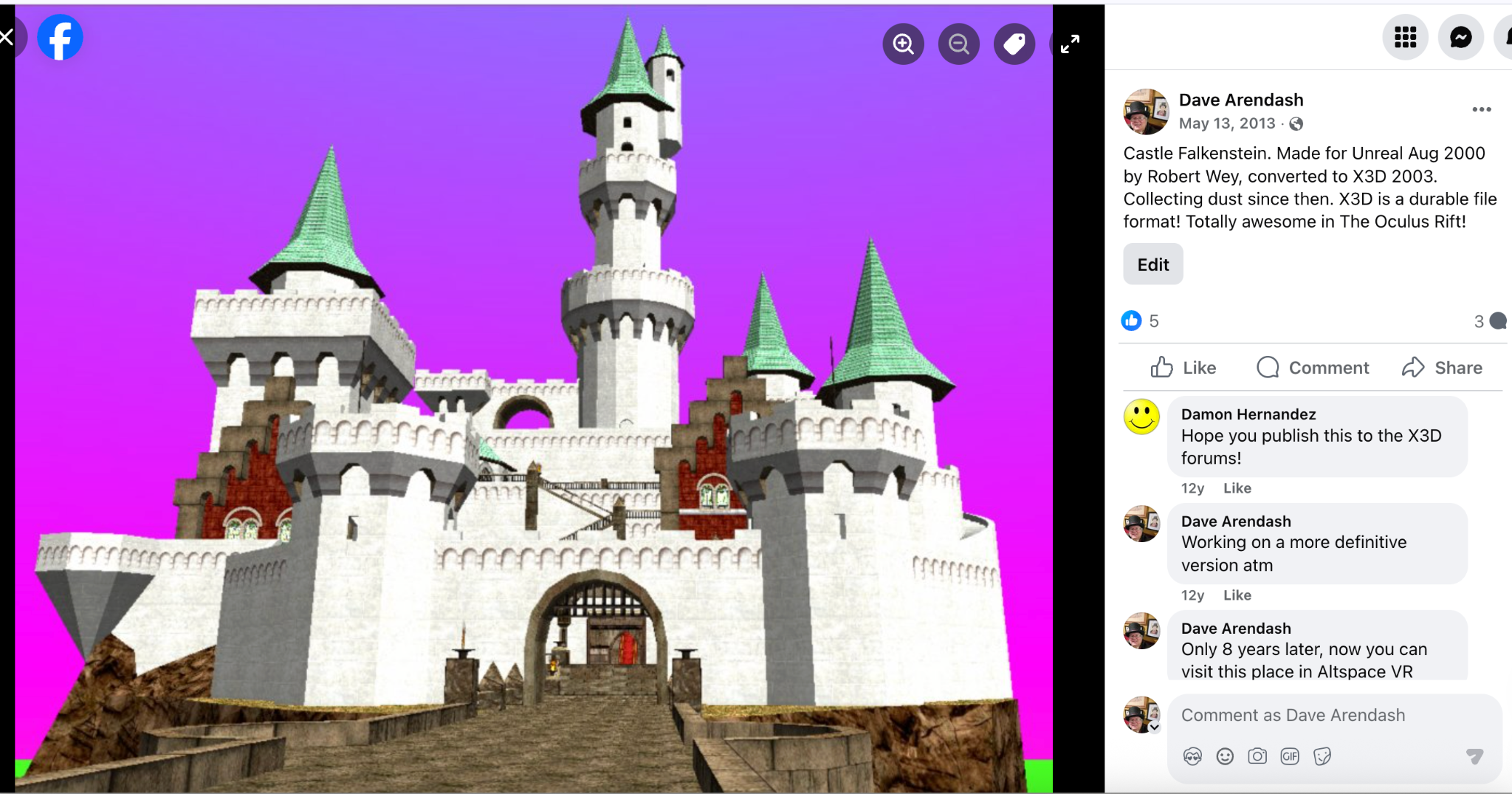
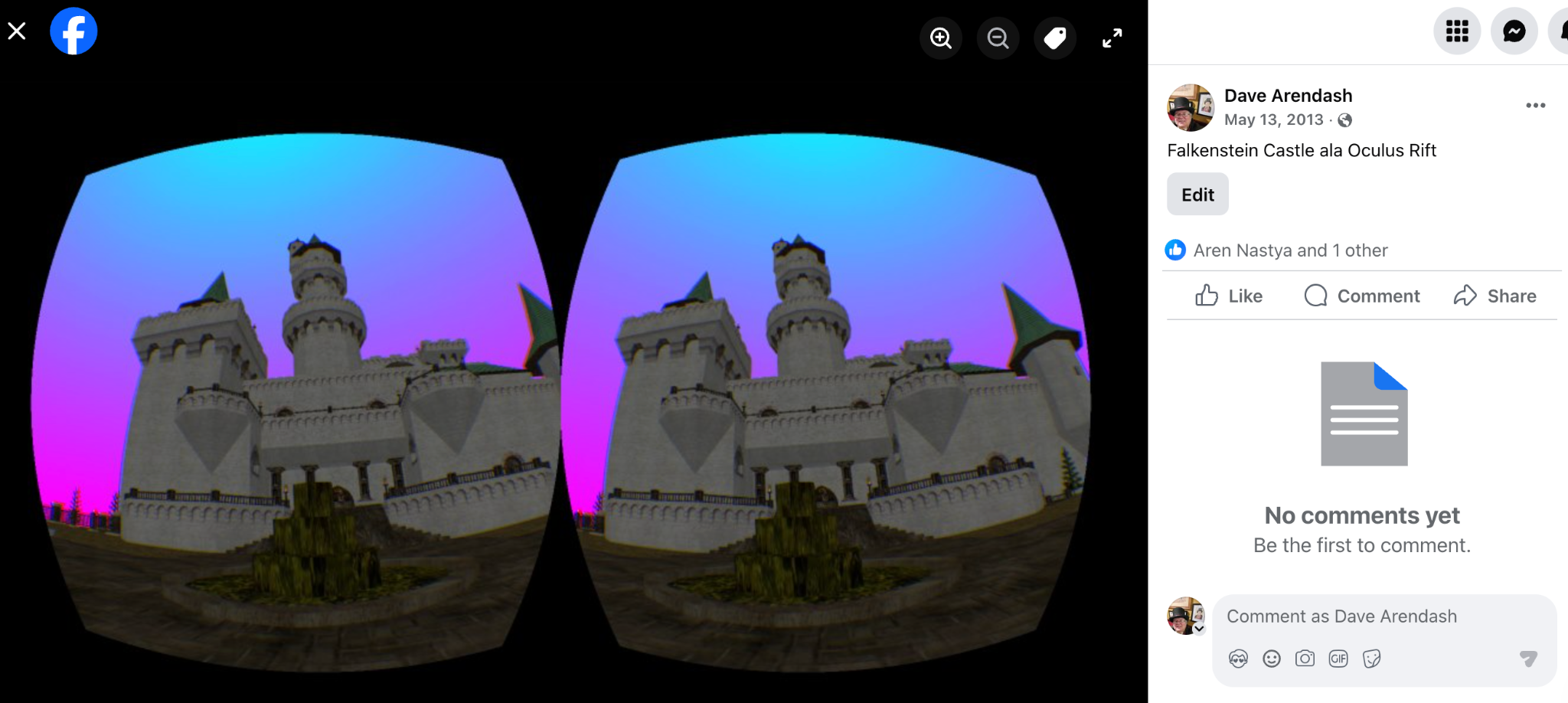
Beneath that surface, there is a lot of practical engineering whose job is simply to make the illusion hold together. Generated splat worlds are designed to go through floor analysis so they land correctly. You can also load local and remote splat files and panoramic images, and remotes are cached. You can export them from the device, which keeps it from being trapped inside a single content pipeline.

Once a world is active, I do not want the experience to stop at looking around. The system is being wired for commands that let the user scale, rotate, move, and otherwise direct what is in front of them, while still being able to switch among splat, panorama, and mesh-oriented views depending on the task. That feels very close to the way Star Trek gradually treated holodeck environments: not as painted backdrops, but as spaces that could be entered, adjusted, tested, and used. Voyager’s Fair Haven is a good example of that shift, a persistent program the crew returns to and modifies rather than a one-off effect. (Star Trek)
Persistence matters a lot to me. I do not want worlds to evaporate at the end of a session. Saved world configurations are planned to capture world source, prompts, lighting, placed objects, and related state so a scene can be restored, revised, and extended later. “Computer, save program”. That is one of the points where this starts feeling less like a demo and more like a platform. It also happens to be one of the places where the Star Trek comparison becomes more than cosmetic: holoprograms in that franchise are not disposable visual effects, but named places people revisit, share, and keep changing over time. (Star Trek)

The clearest bridge between present-day XR and the fictional holodeck, though, may be characters. Trek repeatedly pushed beyond scenery into inhabitants: Minuet in “11001001” felt unnervingly responsive, Moriarty in “Elementary, Dear Data” and “Ship in a Bottle” crossed into open self-awareness, and later holographic characters kept extending that territory. That is exactly why AI-driven NPCs sit high on my roadmap. A world becomes much more compelling when it does not just surround you, but answers back through someone living inside it. (Star Trek)
The same goes for social presence. Star Trek never treated simulated environments as merely solitary playgrounds. Holodeck and holosuite stories kept turning them into shared spaces, whether for leisure, competition, or full narrative scenarios. “Take Me Out to the Holosuite” is the easy example, but it is memorable precisely because the simulation becomes a place where a group can gather, interact, and build a shared experience together. That is why networking, VOIP, and avatars matter so much in my longer-term plans. (Star Trek)

Quick Facts:
State of the Art (Where it sits right now):
- I’m prepping it for posting on Git Hub, so you can play with it yourself, and I’d be glad to get any help with it too!
- It currently uses WorldLabs and OpenAI backends. Those keys are not to be shared, and I currently do not have a way to log into those from the running app. You can build them in or sideload those keys if you have them.
- You can describe just about any world. Open AI will enhance the prompt which is sent to WorldLabs. You can also choose from four quality settings (each with speed and cost considerations)
- The UI is very placeholdery. It needs to be redesigned and fit into the Arch.
- You can summon the UI Arch by saying ‘Arch’
- You can get back to the holodeck by saying ‘End Program’
- Ambient audio is retrieved from Freesound.org. You can also summon sounds like “add parakeet sounds” and it will, as well as knowing sound parameters such as loop, random interval, volume, etc.
- You alter the size, position, and orientation of anything by name “Make the cube 23% larger” is a good example. Or since splats don’t come with metadata, “Make the world 10 times bigger. Move it down 1 meter”
- Controllers will be optional, but currently need at least the right one for the push-to-talk button. And, the default UX is on them, that would need to be fixed.
- You can point and say ‘Make a cube there’ or ‘move the sun there’ as well as summon objects between your hands to fit that size.
- The holodeck model was lifted from a 3d repository of free stuff. It needs attribution or licencing or replacing. (Yes I tried asking for such a thing from WorldLabs, but it wasn’t nice enough)
Here is the roadmap I have in mind from here:
- Wake-word activation, so saying “Computer” opens a hands-free command flow in the same broad spirit as Star Trek’s voice-first interaction with the ship’s computer (Star Trek)
- Integration with 3D libraries and generation systems such as Meshy, Tripo, and similar services, so arbitrary objects can be summoned directly into the scene
- Integration with audio libraries and generation systems, including tools such as ElevenLabs, so worlds can acquire matching soundscapes, voices, and atmosphere
- Allow integration of different backends for world and object generation
- Fallbacks for if an AI backend does not exist. It should be able to do TTS and STT on device, and local/remote file loads even with no backends.
- Image prompting through the outward-facing camera, allowing the system to use what the user is seeing as direct input
- Mixed reality integration, so the “outside” of the holodeck becomes your actual surrounding world rather than a sealed fictional room
- AI-driven NPCs that can inhabit a space as responsive characters, closer in spirit to Minuet, Moriarty, and Trek’s more memorable holographic personalities (Star Trek)
- Avatar-system integration for presence and embodiment
- Networking and VOIP, so these spaces can become shared social experiences instead of solitary ones (Star Trek)
That is the point of Headset Holodeck as I see it. I am not trying to copy a piece of science fiction cosmetically. I am trying to build an honest, modern, incomplete, but real version of an idea that Star Trek lodged permanently in people’s imaginations: an environment you can address, enter, shape, revisit, and eventually share. Not a perfect holodeck. A buildable one. (Star Trek)